
Choosing between a custom website vs template website is one of the most critical financial and operational decisions you will make for your business. The right choice turns your digital presence into a 24/7 revenue engine, while the wrong choice leaves you trapped with slow loading times, security vulnerabilities, and bloated maintenance fees.
+-------------------------------------------------------------------+
|                        THE DIGITAL CHOICE                         |
+------------------------------------+------------------------------+
|        TEMPLATE WEBSITES           |       CUSTOM WEBSITES        |
|  - Fast setup (1-2 weeks)          |  - Built for scale           |
|  - Lower initial outlay            |  - Clean, unbloated code     |
|  - Generic design patterns         |  - Tailored user journeys    |
|  - Hidden long-term costs          |  - High initial investment   |
+------------------------------------+------------------------------+
Building a site in 2026 requires balancing upfront budgets with long-term search engine visibility, generative AI discovery, and conversions. Here is an honest, data-backed guide to help you decide which path aligns with your business goals.
Understanding the Architectural Differences
To make an informed choice, you must look beyond visual design and examine the code underlying your site.
A template website relies on pre-built page structures, shared styling sheets, and multi-purpose plugins. Frameworks like Elementor or Divi let non-coders assemble pages quickly, but they load thousands of lines of unused JavaScript and CSS.
A custom-built site is engineered from scratch for your specific requirements. Developers build exact page structures using modern stacks like Next.js, React, or lightweight WordPress themes. This eliminates unnecessary code bloat and delivers rapid loading speeds.
Key Takeaway: Templates trade code efficiency for drag-and-drop convenience. Custom sites trade higher upfront development costs for maximum speed, security, and scalability.
Custom Website vs Template Website Comparison Matrix
This side-by-side comparison highlights how these two options perform across key operational metrics:
| Metric | Template Website | Custom Website |
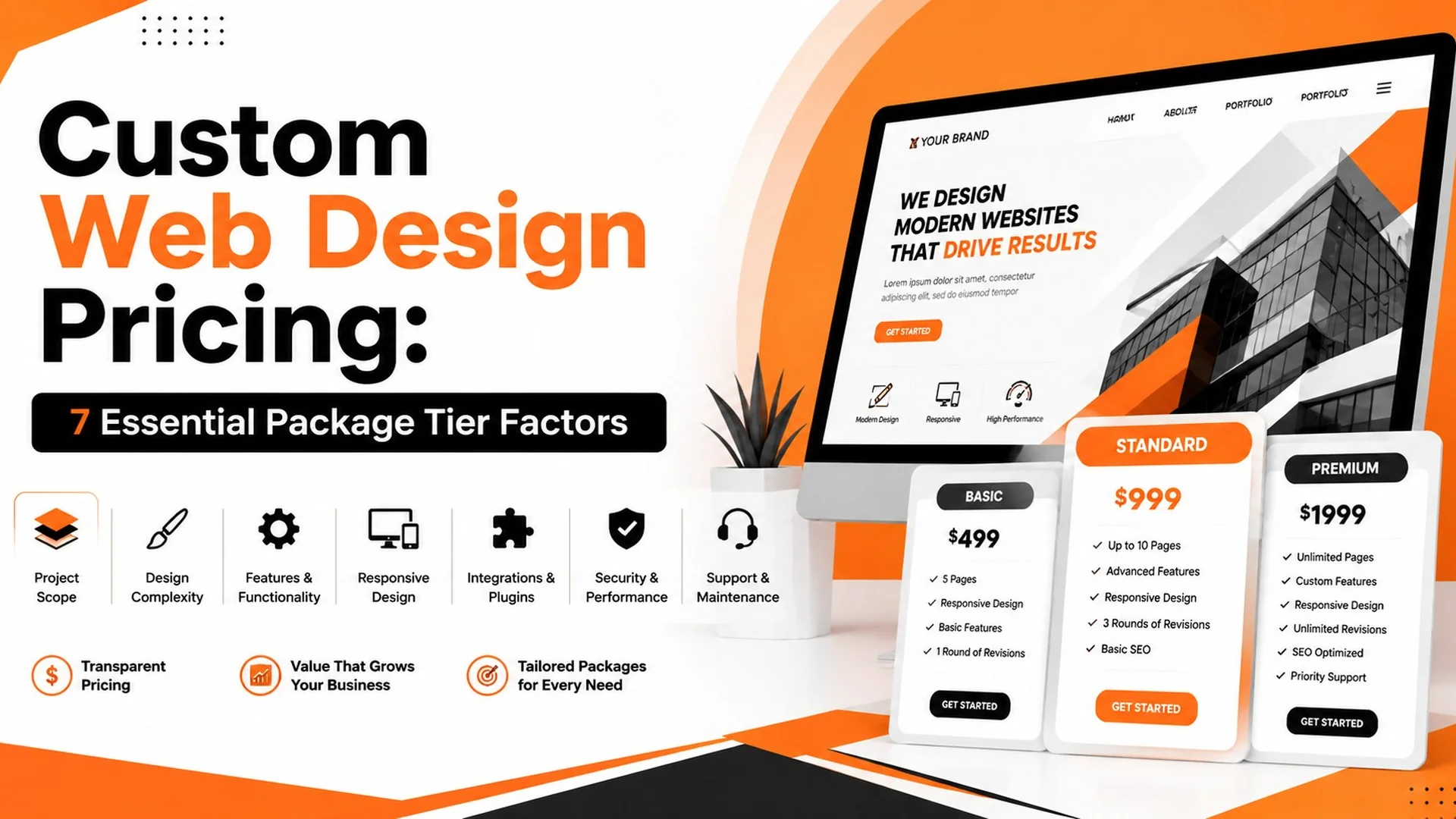
| Upfront Cost | $500 – $3,000 | $4,000 – $25,000+ |
| Time to Launch | 1 – 3 weeks | 6 – 12 weeks |
| Core Web Vitals | Often struggles (50–75 Mobile Score) | Consistently high (90+ Mobile Score) |
| Design Originality | Shared across thousands of sites | 100% unique brand identity |
| Scalability | Limited by theme & plugin boundaries | Unlimited custom API & feature expansion |
| Maintenance Burden | High plugin update & break risk | Low maintenance, tailored backend |
| Long-Term ROI | Higher hidden costs over 3 years | Superior conversion rates & organic reach |
Deep Dive into Template Websites
Template sites dominate the web for good reason: they offer an accessible entry point for startups, local service providers, and small budgets.
+-------------------------------------------------------------------+
|                        TEMPLATE TRADE-OFFS                        |
|                                                                   |
|   PROS:                                   CONS:                   |
|   [+] Rapid deployment                    [-] Bloated codebases   |
|   [+] Low initial entry price             [-] Generic visuals     |
|   [+] Pre-built integrations              [-] Plugin dependency   |
+-------------------------------------------------------------------+
The Advantages of Template Websites
- Speed to Market: Launch a functional site in days without waiting for custom design and engineering sprints.
- Predictable Upfront Costs: Ideal for businesses needing an online brochure while proving their business model.
- Self-Management: Non-technical teams can edit text and swap images using visual builders.
The Disadvantages of Template Websites
- Code Bloat: Templates include features for every possible user. Your site downloads unused scripts, degrading mobile performance.
- Plugin Fragility: Adding 20+ plugins to add basic functionality creates update conflicts and security entry points.
- Brand Sameness: Your site looks structurally identical to hundreds of competitors using the same pre-built layouts.
Deep Dive into Custom Websites
Custom development targets growing businesses where web performance directly dictates bottom-line revenue.
+-------------------------------------------------------------------+
|                         CUSTOM ADVANTAGE                          |
|                                                                   |
|   PROS:                                   CONS:                   |
|   [+] Tailored user journeys              [-] Higher setup fee    |
|   [+] Blazing mobile performance          [-] Longer lead times   |
|   [+] Hardened enterprise security        [-] Requires developers |
+-------------------------------------------------------------------+
The Advantages of Custom Websites
- Precision User Experience: Every layout element is designed around your specific buyer persona and conversion funnels.
- Flawless Mobile Speed: Clean code architectures mean pages load in milliseconds, boosting Google rankings and lower bounce rates.
- Unmatched Security: Custom backends lack the publicly targeted vulnerabilities of popular off-the-shelf plugins.
The Disadvantages of Custom Websites
- Capital Investment: Custom development requires real engineering expertise, requiring a higher initial budget.
- Longer Timeline: Discovery, wireframing, UI design, coding, and QA testing take weeks of coordinated work.
SEO Performance: Custom Website vs Template Website
Search engine visibility is no longer just about writing content. Search engines evaluate technical site performance, core usability metrics, and structured entity data.
Impact on Core Web Vitals and Loading Speed
Google uses Core Web Vitals as direct ranking signals. The technical gap between architectures directly impacts these scores:
- Largest Contentful Paint (LCP): Templates often delay hero render times due to heavy external stylesheets and render-blocking scripts.
- Interaction to Next Paint (INP): Heavy JavaScript execution in page builders delays user interactions on mobile devices.
- Cumulative Layout Shift (CLS): Pre-built templates that load dynamic ads or un-dimensioned assets shift page elements during load.
Understanding these technical metrics is crucial. Reviewing our guide on Core Web Vitals explained reveals how millisecond delays reduce search visibility and conversion rates.
Technical Flexibility and Schema Markup
Answer Engine Optimization (AEO) and Generative Engine Optimization (GEO) depend on clean JSON-LD schema markup. AI engines like ChatGPT, Gemini, and Perplexity parse structured data to cite web sources.
Template plugins often generate messy, overlapping schema markup that confuses search bots. Custom sites allow developers to embed precise, error-free entity graphs directly into the HTML header.
Custom Website vs Template Website Security Comparison
Security weaknesses carry heavy SEO penalties. If Google detects malware or suspicious redirects on your site, it displays warning screens and drops your domain from search results.
- Templates: Depend on third-party plugin ecosystems. A vulnerability in a single popular plugin can compromise millions of sites simultaneously.
- Custom Code: Built with minimal external dependencies. Without standardized plugin access points, automated hacker bots find fewer entry paths.
5-Step Decision Framework for Business Owners
Use this step-by-step process to choose the ideal web architecture for your current growth phase:
1.Evaluate Your Current Annual Revenue: Financial Readiness.
If your business generates under $100k annually, choose a clean template build. If you generate over $250k, custom web development delivers higher ROI by maximizing traffic conversion.
2.Audit Required Features and Integrations:Technical Requirements.
List every feature you need. Standard blogs and basic contact forms work fine on templates. Custom APIs, booking engines, or complex user portals require custom engineering.
3.Analyze Your Competitors’ Mobile Speed:Market Benchmarking.
Run your top 5 local competitors through PageSpeed Insights. If they all score above 85 on mobile, a template will struggle to outrank them technically.
4.Calculate Total Cost over 3 Years:Long-Term Budgeting.
Factor in theme costs, premium plugin subscriptions, developer fix hours, and hosting. Often, a template costs nearly as much as a custom build after 36 months.
5.Select Your Web Strategy:Final Execution.
Hire an agency or freelancer specialized in your chosen stack. If choosing custom, ensure they build on modern frameworks with clear documentation.
Common Pitfalls That Burn Digital Budgets
Avoid these four costly mistakes when evaluating your web options:
- Buying a $10,000 “Custom” Site That Is Just a Modified Template: Many agencies charge custom rates while simply tweaking a $50 ThemeForest theme. Always ask for technical stack proof.
- Ignoring Plugin Subscription Compounding: Premium forms, security tools, page builders, and SEO plugins can easily run $100–$300 per month in hidden software fees.
- Over-Engineering Early On: A pre-revenue startup does not need a $20,000 custom React build. Start simple, validate your market, and upgrade when revenue supports it.
- Neglecting Content and SEO Strategy: A $15,000 custom site with thin content will be outranked by a $1,000 template site with exceptional, well-optimized content.
If you are deciding between content management systems or headless code stacks, review our detailed guide comparing WordPress vs custom web development to pick the right CMS layer.
Expert Tips for Maximizing Your Website ROI
- Start with Custom UX Design: If budget is tight, hire a designer for a custom Figma wireframe first. You can build it on a clean template engine now and migrate to custom code later.
- Keep Dependencies Minimal: Limit template installs to under 10 total plugins to preserve speed and prevent plugin conflicts.
- Partner with Engineering Experts: When your brand scales, hiring dedicated custom web development services ensures your site architecture supports heavy traffic spikes without crashing.
Frequently Asked Questions
What is the main difference when comparing a custom website vs template website?
A template website uses pre-designed layouts and shared code frameworks for fast, low-cost setups. A custom website is coded from scratch around your brand’s unique design requirements, workflows, and performance goals, delivering superior speed, security, and scalability.
Is a custom website better for SEO than a template website?
Yes, custom websites generally perform better in technical SEO. They feature clean code without the bloat found in templates, resulting in faster load times, higher Core Web Vitals scores, and easier schema implementation for search engines and generative AI tools.
How much does a custom website cost compared to a template website?
A template website typically costs between $500 and $3,000 upfront, plus ongoing plugin fees. A professional custom website costs between $4,000 and $25,000+ depending on feature complexity, design requirements, and API integrations.
Can I migrate my template website to a custom website later?
Yes, you can migrate from a template build to a custom site at any time. As your business grows, migrating your content, URLs, and 301 redirects to a custom build preserves existing organic search authority while drastically upgrading speed and conversion rates.
How long does it take to build a custom website versus a template?
A template website can be configured and launched within 1 to 3 weeks. A custom website requires a multi-stage process involving discovery, wireframing, UI/UX design, custom coding, and testing, usually taking 6 to 12 weeks to complete.
Final Verdict
The debate between a custom website vs template website comes down to your current business stage, operational goals, and growth capital.
Choose a template website if you are launching a new venture, operating on a tight budget, or need to get online quickly.
Choose a custom website if you are an established business where site performance, organic search dominance, brand differentiation, and mobile conversions directly drive your revenue.